



Description
USB-2ms, 2.4G-3ms, BT-7ms
Ultra-Low Latency
Upgraded premium chip to help you be one step ahead in Gaming & Office.
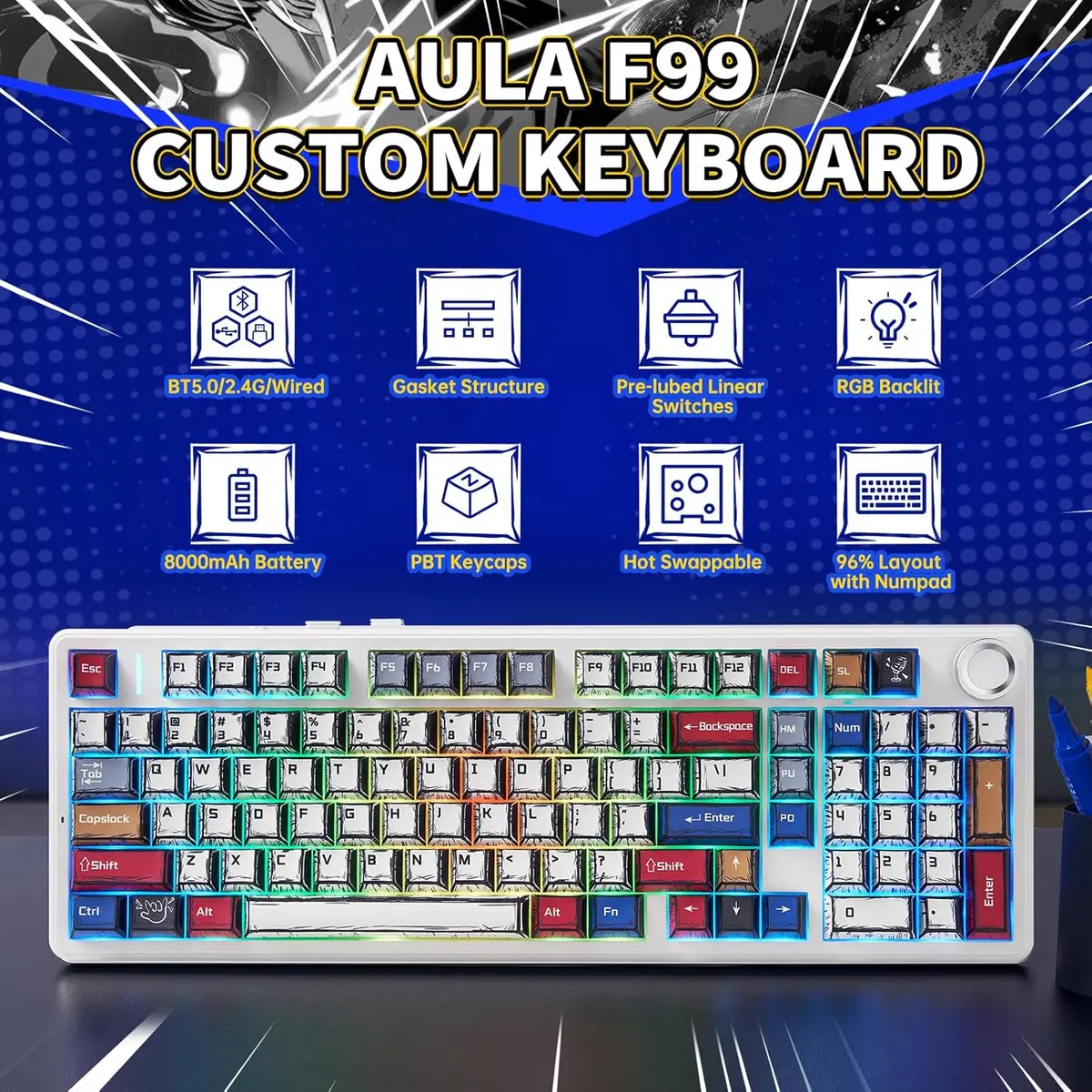
40h with RGB on
Big Battery Capacity
One full charge that lasts 400 hours with RGB off. (Please only charge with the original cable.)
Dual-Function Knob
Volume/Brightness
Adjust volume or RGB Brightness with the Metal Knob. (Pressing knob for 5s to change knob function)
Slot Per-Key
Dual Flex-cut
Enjoy ultra soft and flexible type feel, with flex-cut PCB and flex-cut PC Plate.
1min of No Action
Sleep Mode
Power-saving mode to improve keyboard endurance and battery life.
Remap/Macro/Backlit
Personalize the function and lights of the keys with the powerful software. (No Mac Software)
Soft Type Feel
Gasket-Mount
Cushioned with 5 layers of sound-dampening materials for creamy and satisfying type sound.
CapsLock/NumLock
Keys as Indicator Lights
Mode Indicator Lights: ~/1/2/3=2.4Ghz/Bluetooth1/2/3.
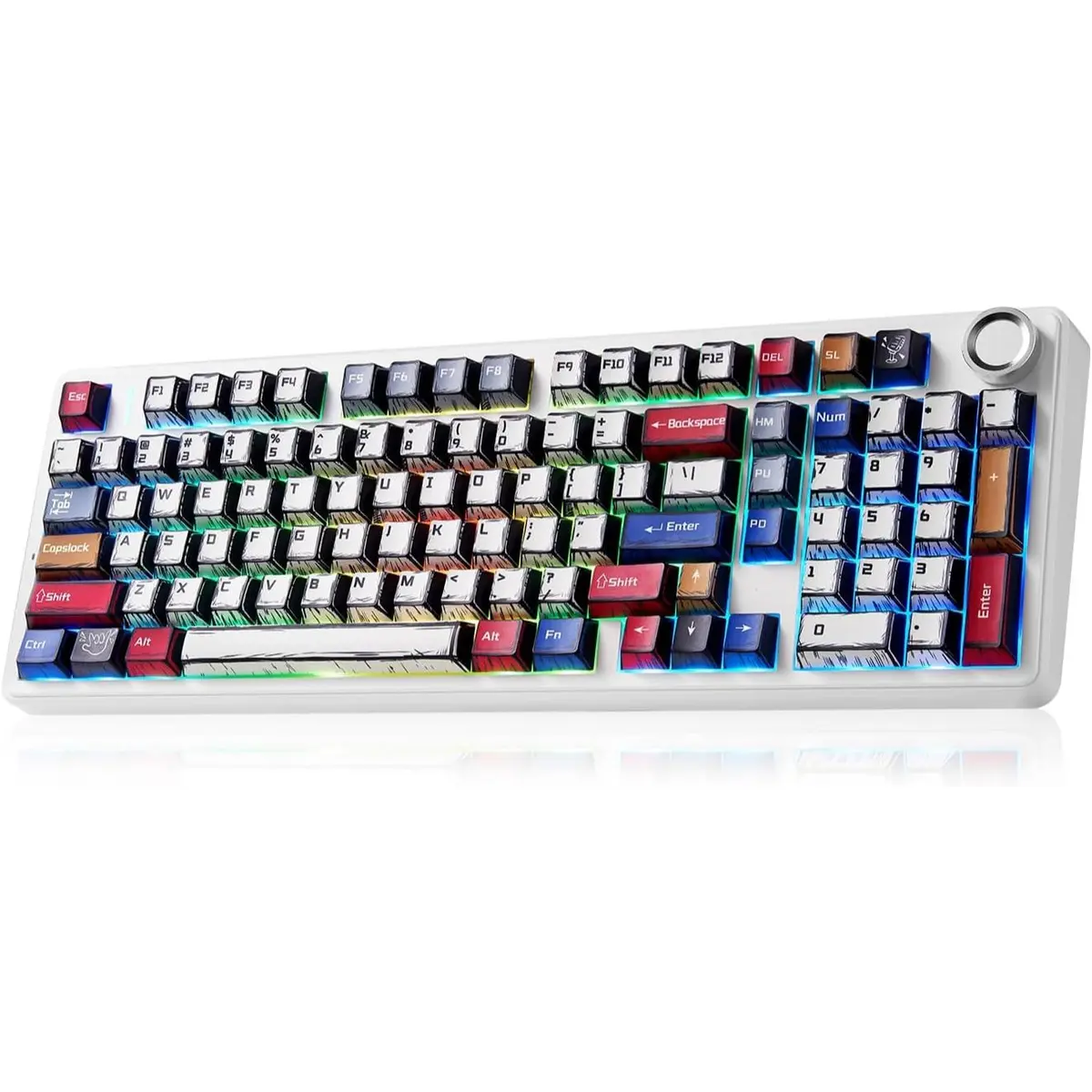
MX Cherry Keycap
Cherry Profile (Height Profile)
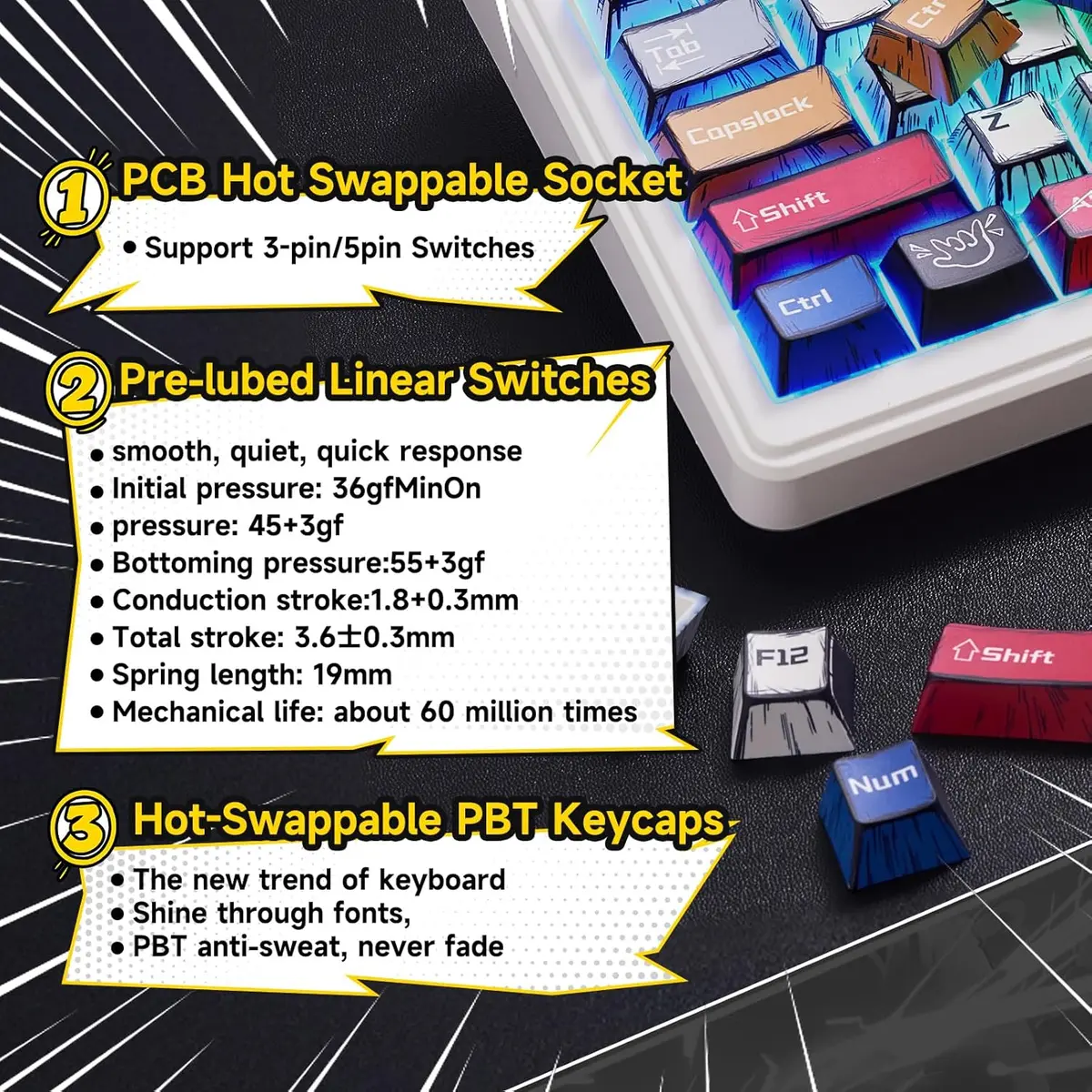
Made of durable PBT plastic, and finished in dye-sub prints with endurance.
Lubed and Tuned
Plate-Mount Stabilizer
Smooth and stable types with the well-lubed and tuned stabilizers.
Factory-Lubed Linear Switch
Smooth & Creamy & Thocky
Enjoy the satisfying typing sound with F99 PRO’s lubed linear switches. We recommend switches with light force and short travel for gamers and speed seekers; while switches with heavier force and longer travel are better for office and typing accuracy.
LEOBOG Nimbus Switch: 5-pin Linear. Force: 34/45±3gf. Travel: 1.3/3.7±0.3mm.
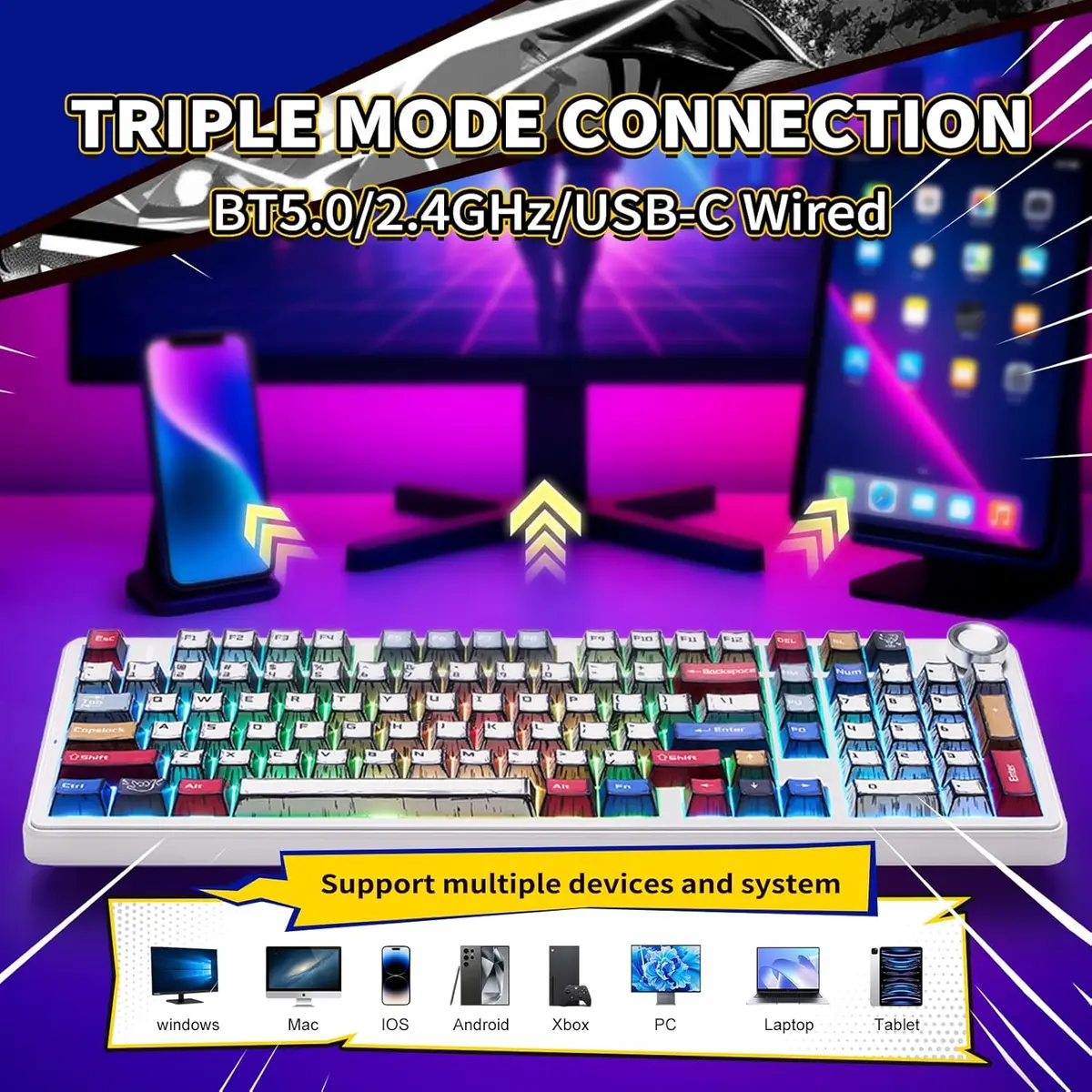
Bluetooth 3.0/5.0 & 2.4Ghz & USB Cable
Convenient Connectivity Hub
Whether you prefer the simplicity of a plug-in cable, the versatile Bluetooth mode, or the reliable 2.4 GHz wireless, the F99 PRO has you covered.
Use BT 3.0 if you want stability and have multiple wireless devices.
When pairing F99 PRO to your computer, make sure to hold FN+~/1/2/3 until light’s flash quicken from slow to rapid, before plug the receiver or start Bluetooth setting.


Reviews
There are no reviews yet.